If something you bought has stopped working, Restore Purchases is the first thing to try.
WHERE TO FIND IT
Open Settings from the home screen and look for Restore Purchases. Most players do not know this button is there. It asks the store to re-apply anything you have already paid for.
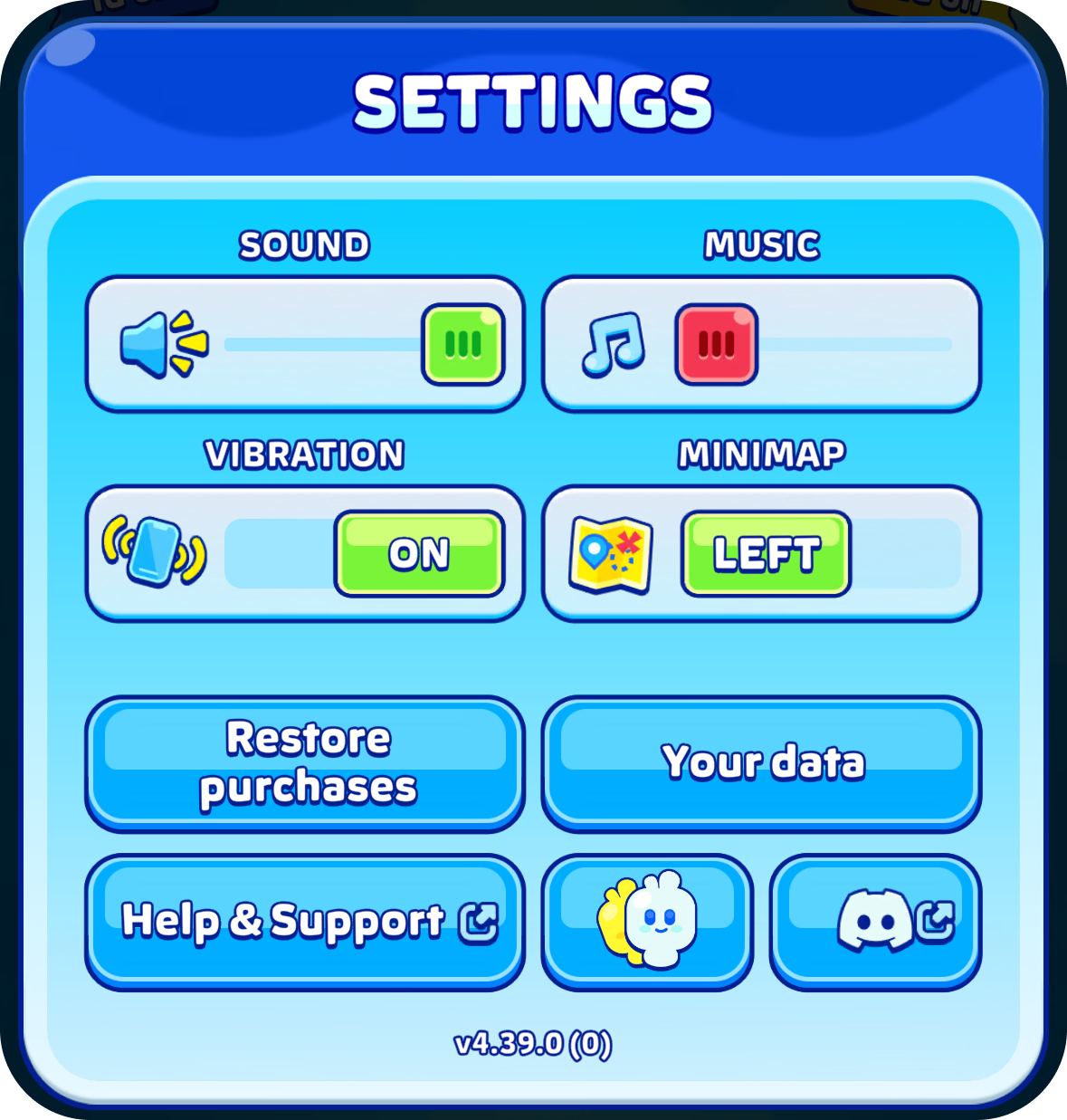
WHAT IT BRINGS BACK
No Ads, and other one-time purchases. If you have reinstalled the game, changed phone, or your No Ads has simply stopped working, this usually puts it right straight away.
You will need to be signed in to the same store account that paid, your Google account on Android or your Apple ID on iPhone and iPad. A purchase made on a different account cannot be moved onto this one.
WHAT IT DOES NOT BRING BACK
Gem packs and coin packs are added to your balance once, when you buy them. Restore Purchases has no effect on those.
Was this article helpful?
That’s Great!
Thank you for your feedback
Sorry! We couldn't be helpful
Thank you for your feedback
Feedback sent
We appreciate your effort and will try to fix the article