If you bought a special offer, gems or a skin bundle and it has not appeared in the game, try the steps below.
TRY THIS FIRST
- Restart the game completely. Most missing purchases appear right after.
- Check your internet connection.
- Confirm the payment actually completed: look for a receipt email from Apple or Google. If the payment is still pending, the items will arrive once it clears.
STILL NOTHING?
Send us a ticket under Purchase Issues, and include:
- The email address on your store account
- What you bought and roughly when
- Your store receipt or order number if you have it (Apple: reportaproblem.apple.com, Google: play.google.com under Payments & subscriptions)
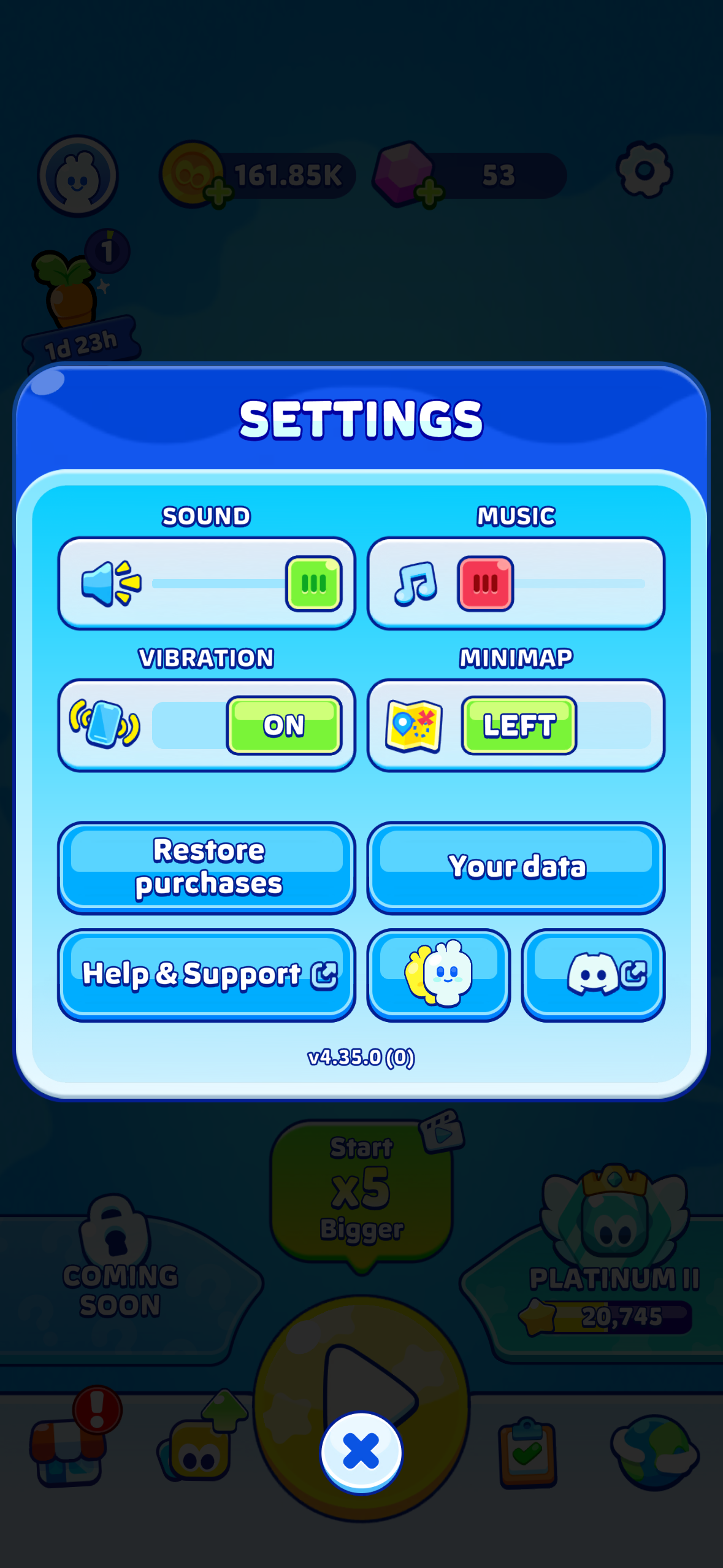
Contacting us from the game (Settings → Help & Support) attaches your player ID automatically, which is the fastest way for us to deliver your items.
Was this article helpful?
That’s Great!
Thank you for your feedback
Sorry! We couldn't be helpful
Thank you for your feedback
Feedback sent
We appreciate your effort and will try to fix the article