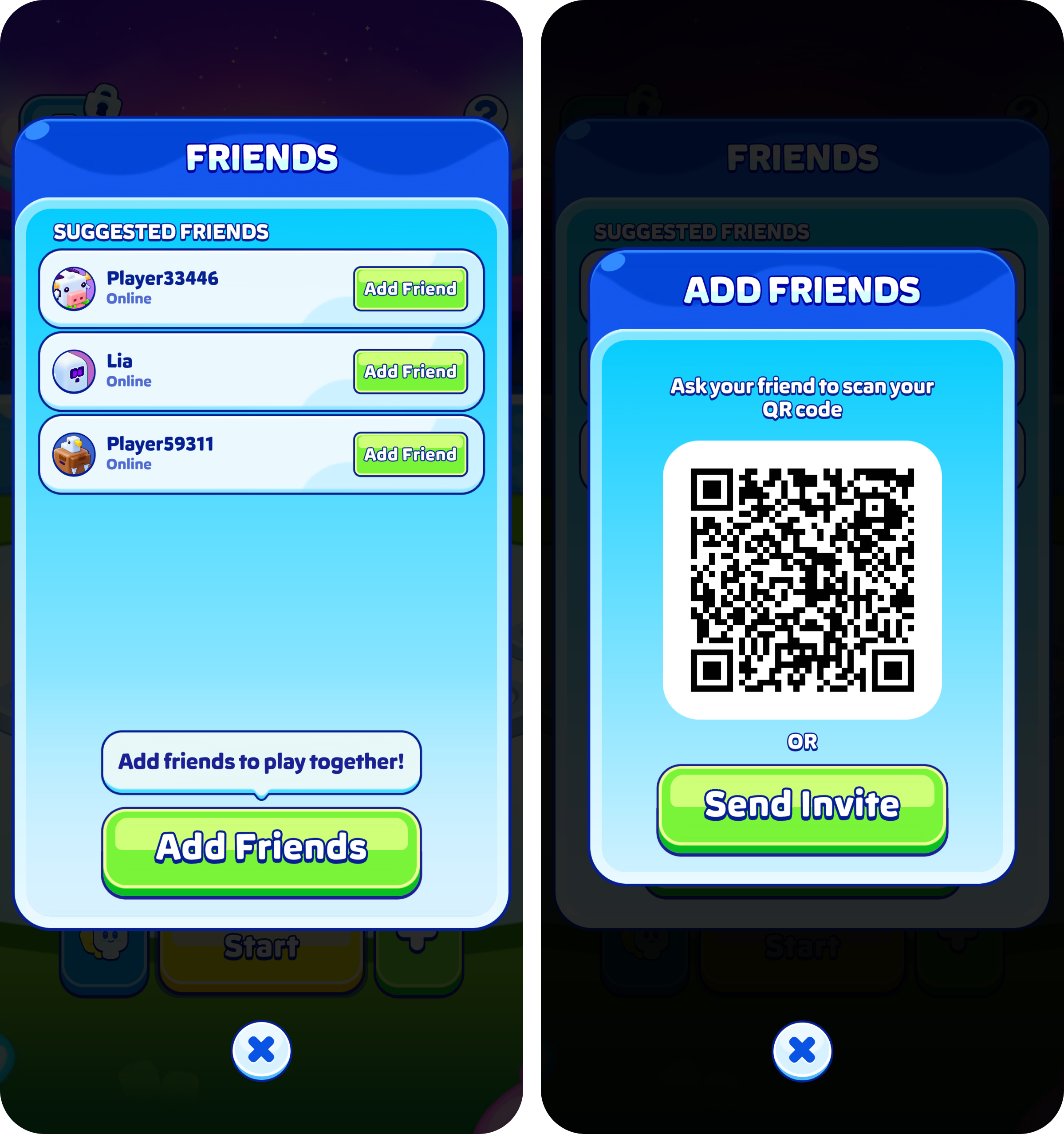
Friends are added through Party, not through the friends area of Settings.
HOW TO ADD SOMEONE
- Open Party from the home screen
- Share your link, or show your QR code
- Your friend opens the link, or scans the code with their phone
That is the whole of it. There is no username search and no code to type.
IF YOU CANNOT FIND PARTY
Party is not available to everyone just yet, and you will have it soon. Until you both have it, a shared link will not open a game.
IF THE BUTTON WILL NOT RESPOND
Adding a friend needs a working connection. If nothing happens when you tap, check your internet and try again.
Was this article helpful?
That’s Great!
Thank you for your feedback
Sorry! We couldn't be helpful
Thank you for your feedback
Feedback sent
We appreciate your effort and will try to fix the article